
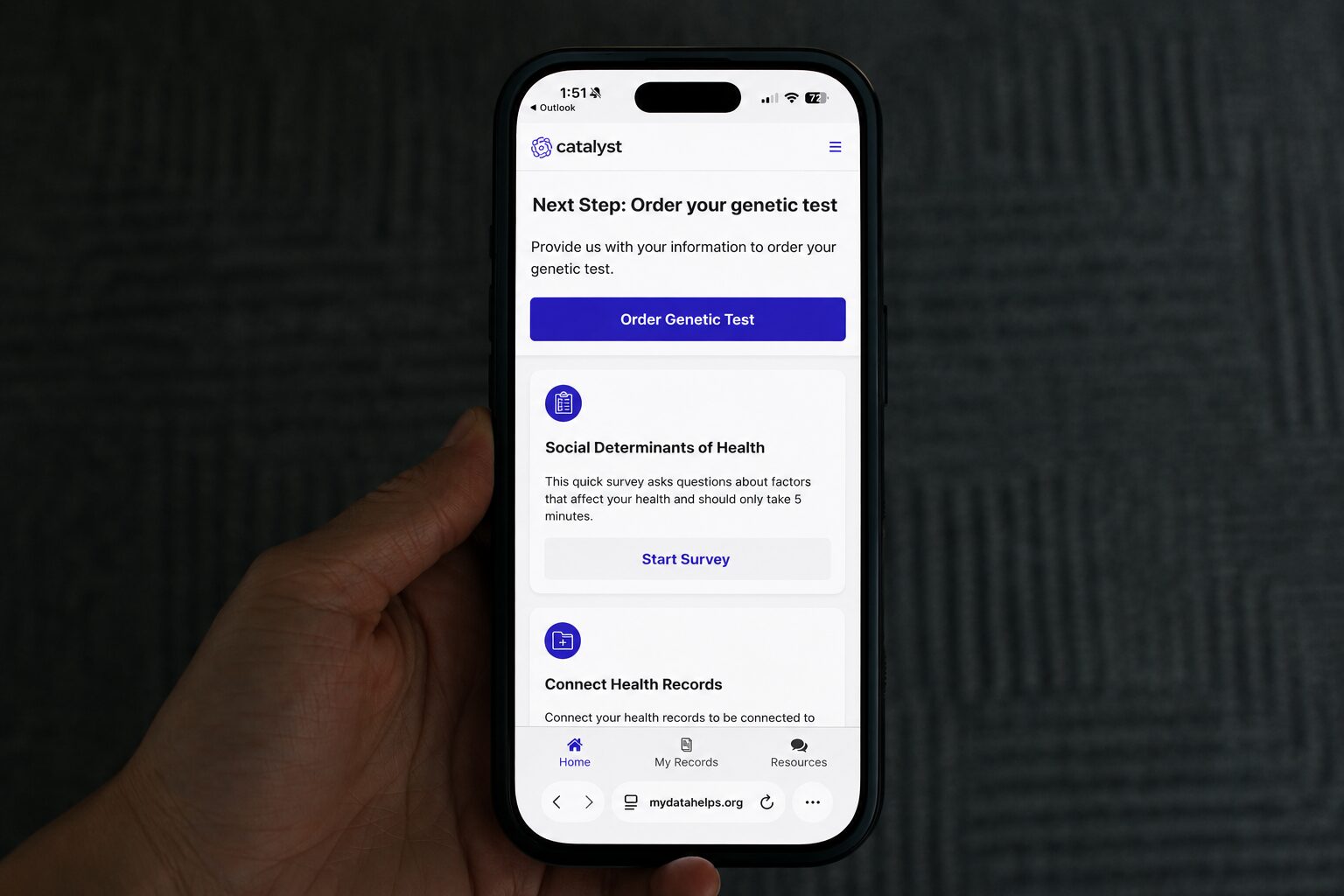
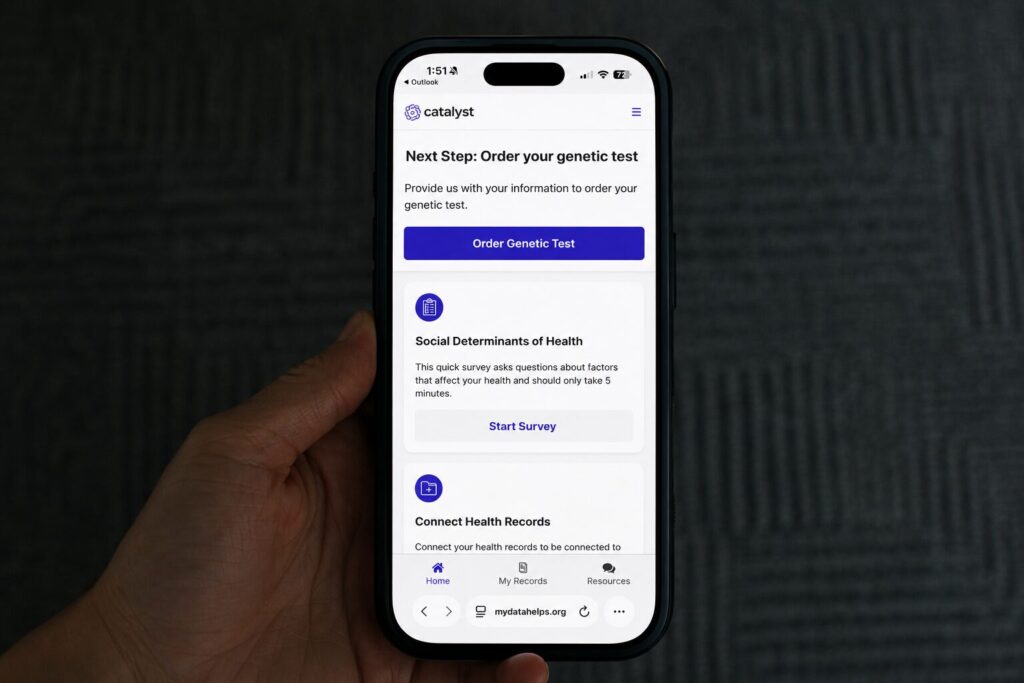
Catalyst has moved to a new participant portal to make it easier for participants to access their account, track sample status, and manage health record sharing preferences.
Participants who previously created a Catalyst account do NOT need to create a new account. If you already had an account, you will receive an email with instructions to reset your password. The email will include a link that takes you directly to the password reset page.
Participants can also visit the Catalyst website and select “I already have an account” to begin the login process.
The new portal includes several helpful features, including the ability to:
- Move through the registration process smoothly
- Track the status of your genetic testing sample
- Connect your health records with a larger selection of providers
If you previously connected your health records, you will need to reconnect them in the new portal. Sharing your health records is optional, but it may help Catalyst re-contact you about future clinical trial opportunities you may be eligible for.
Your genetic testing results will still be available through the MyOme patient portal. If your results are ready, the new Catalyst portal will include a button that directs you there.
If you need help logging in, resetting your password, connecting your health records, checking your sample status, or accessing your results, please contact the Catalyst team at (205) 581-2389.